Outdoor & business · Coming 2027
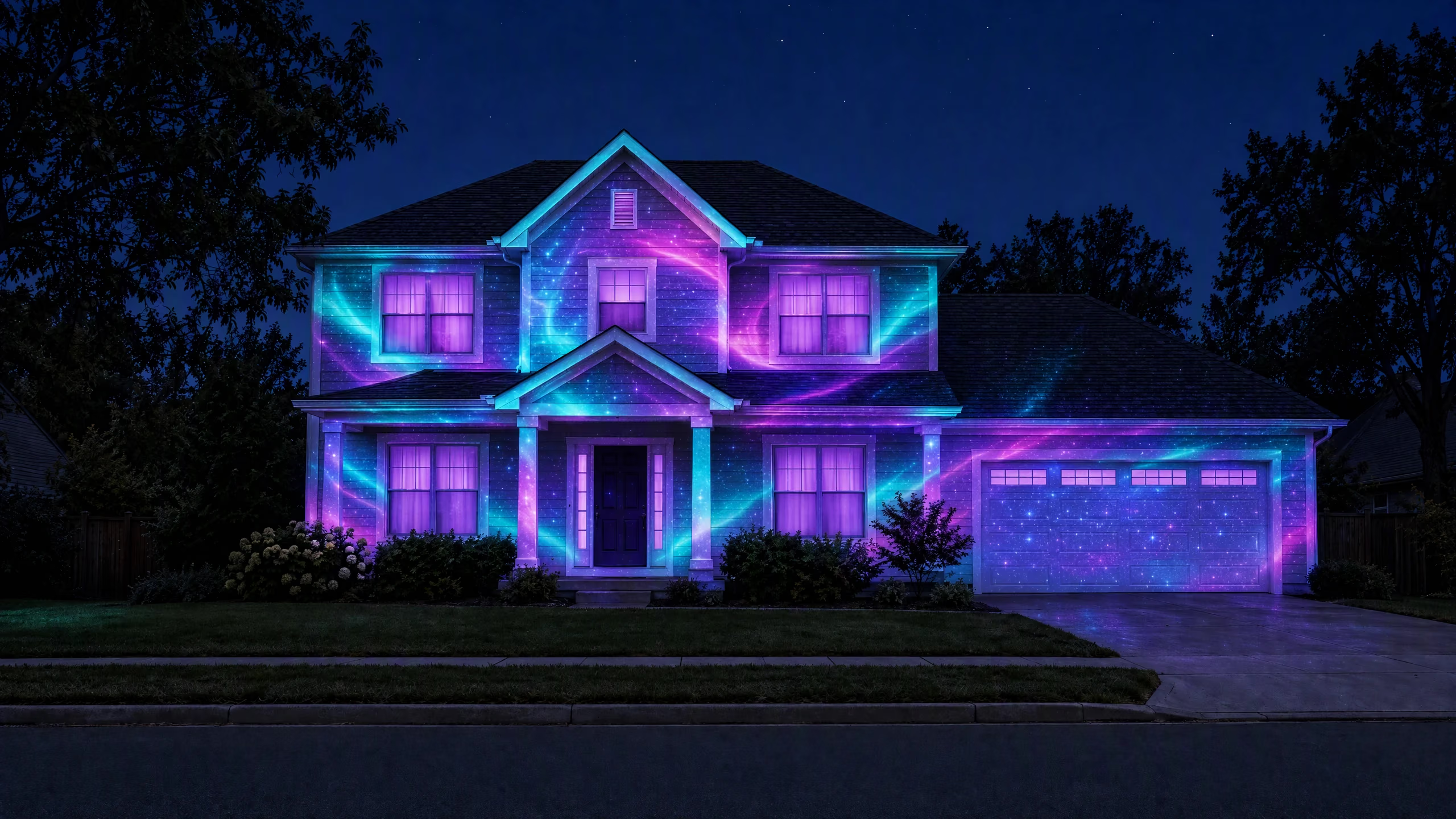
Turn your house into a light show.
Ready-made shows that fit your real doors, windows and garage, so the whole street stops to look. Built for Halloween houses, Christmas fronts, shop windows and events.
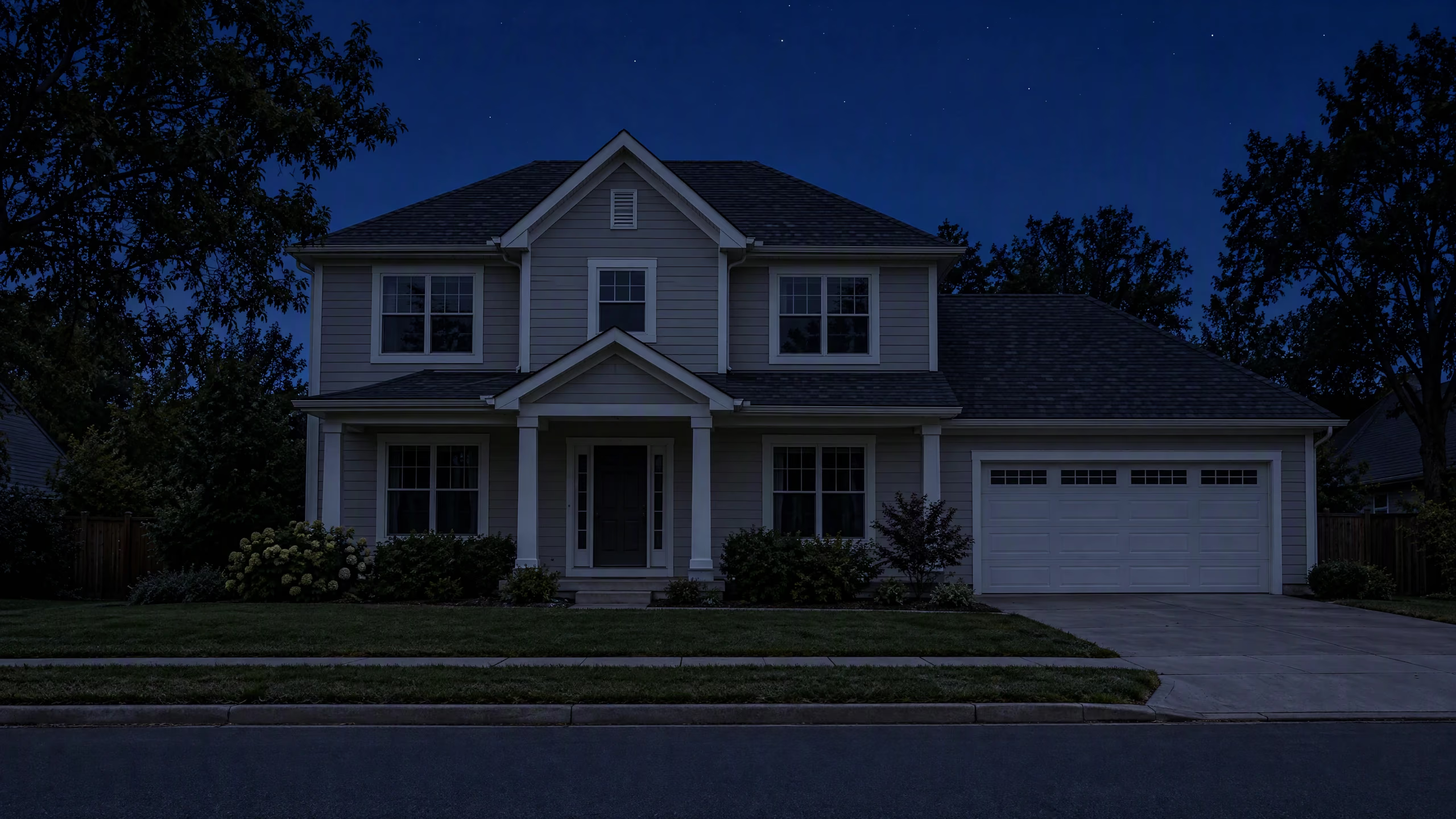
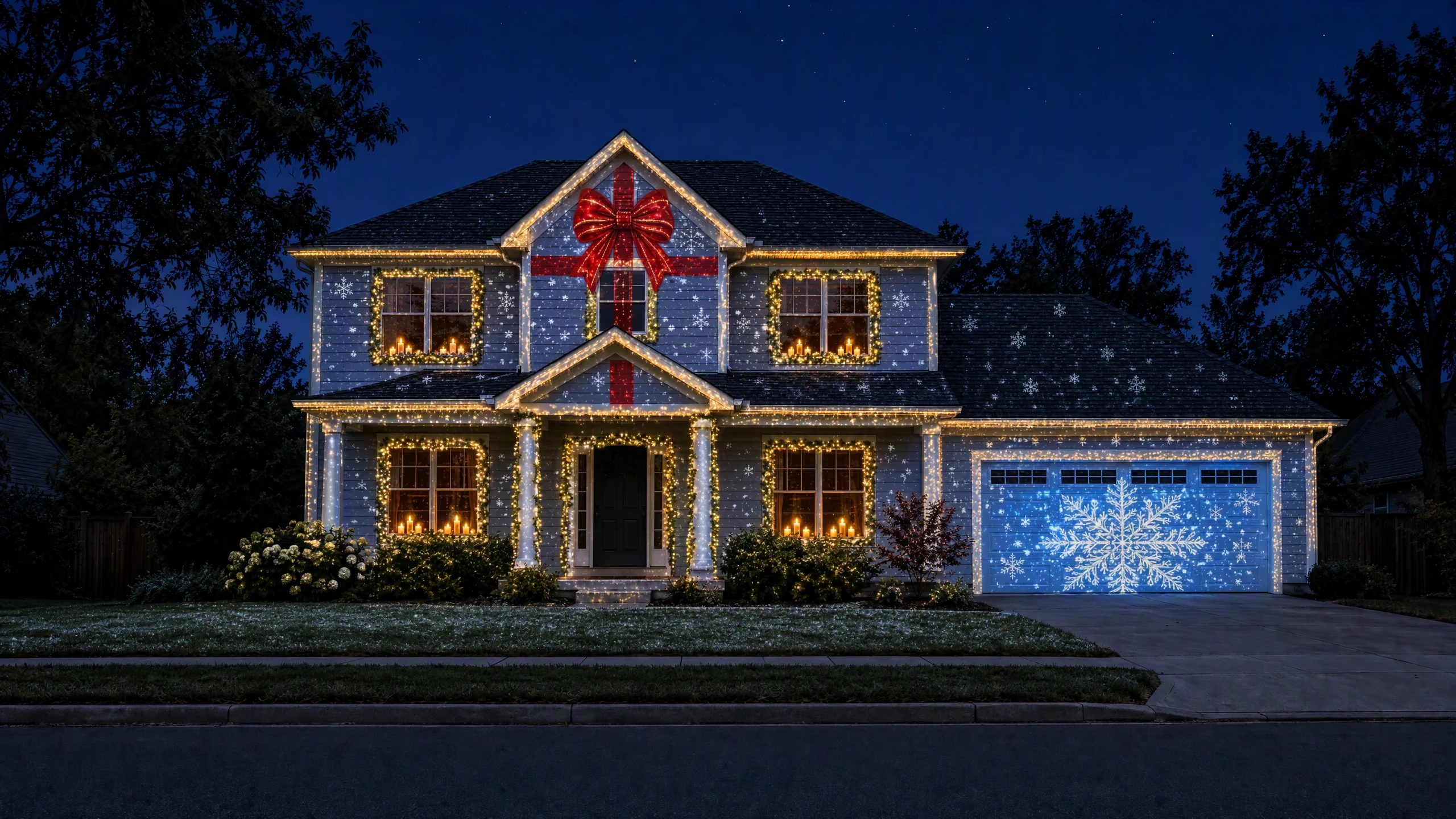
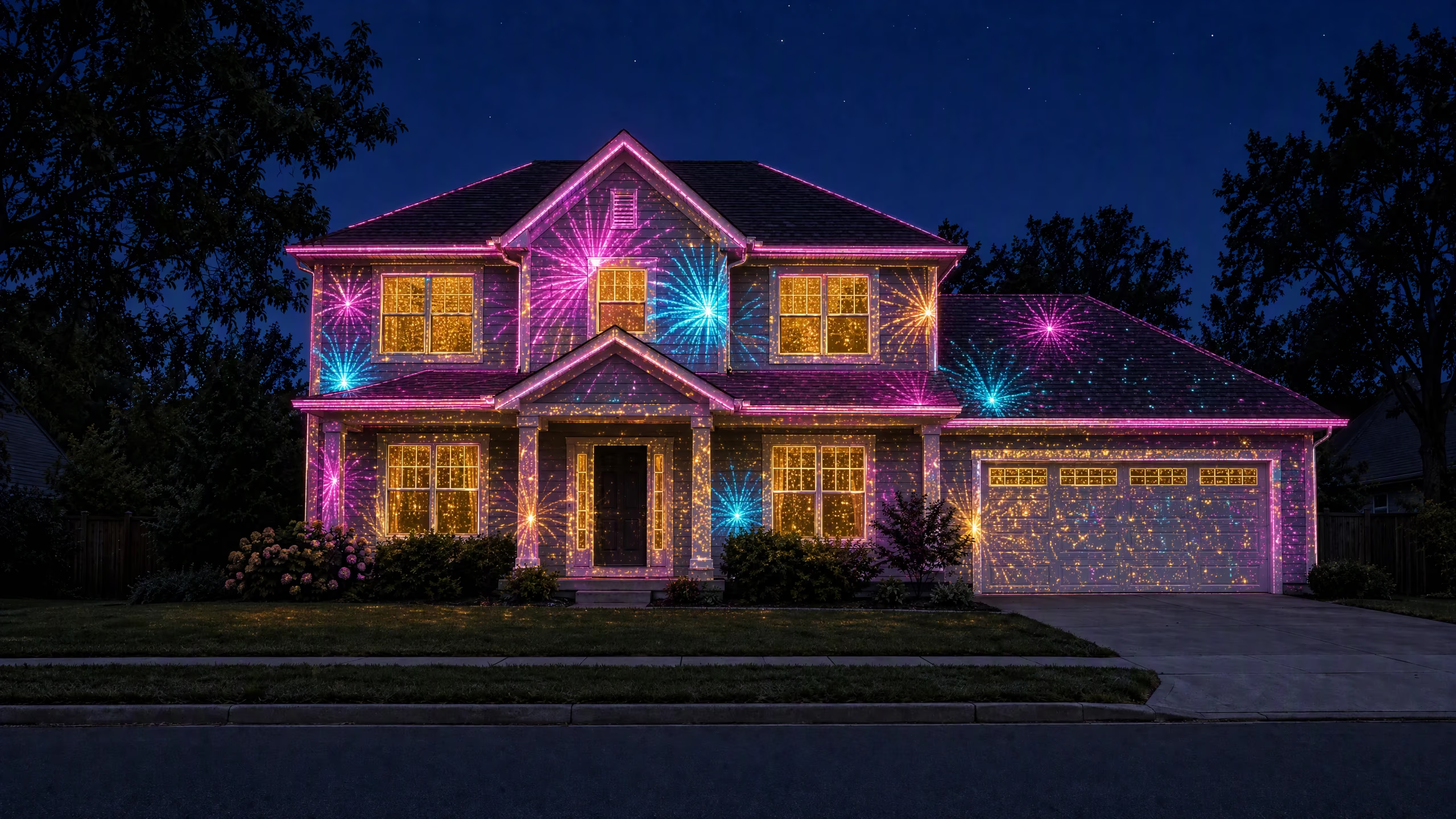
Same house. Endless shows.
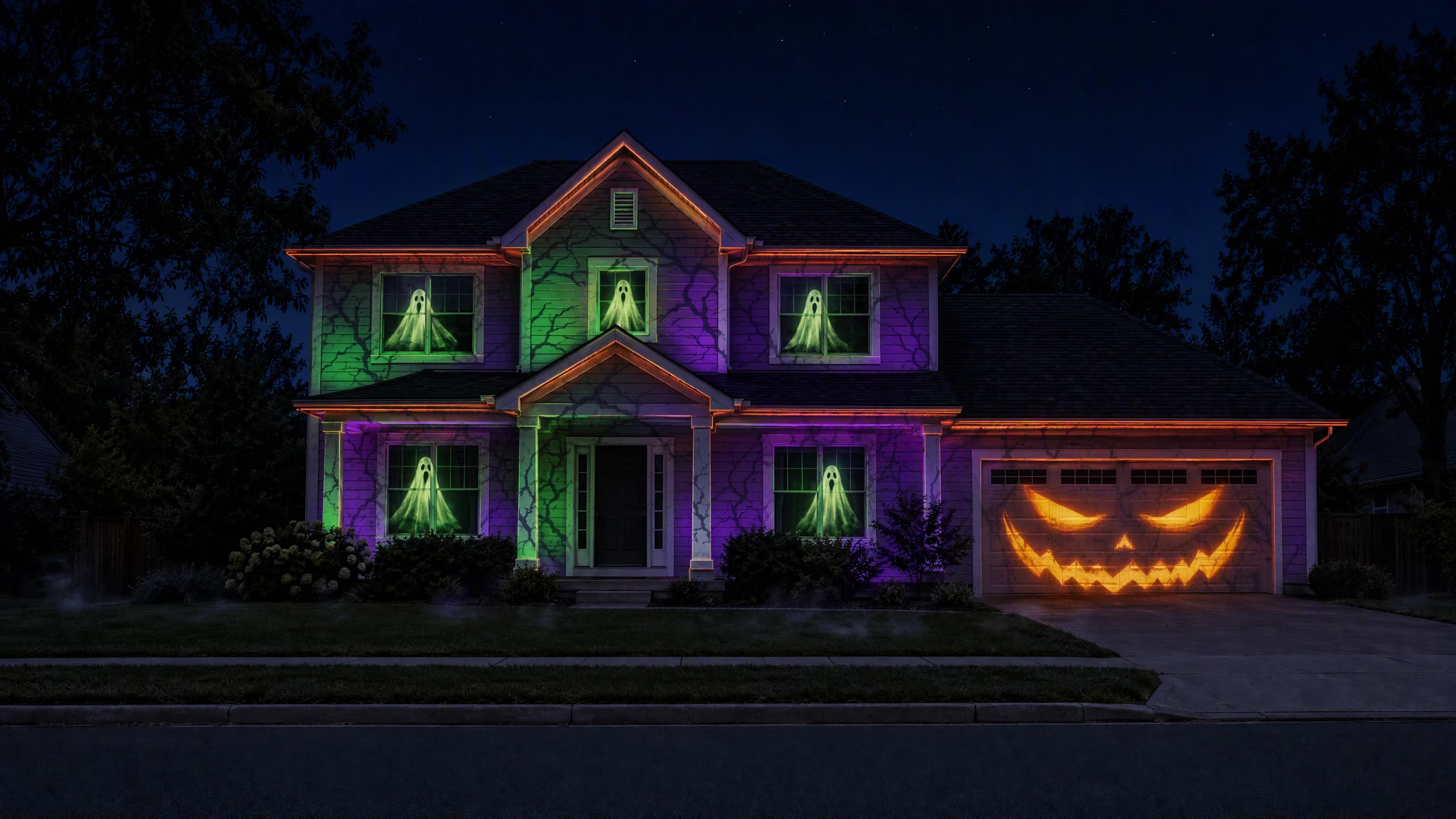
Halloween
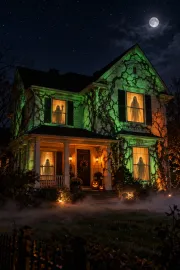
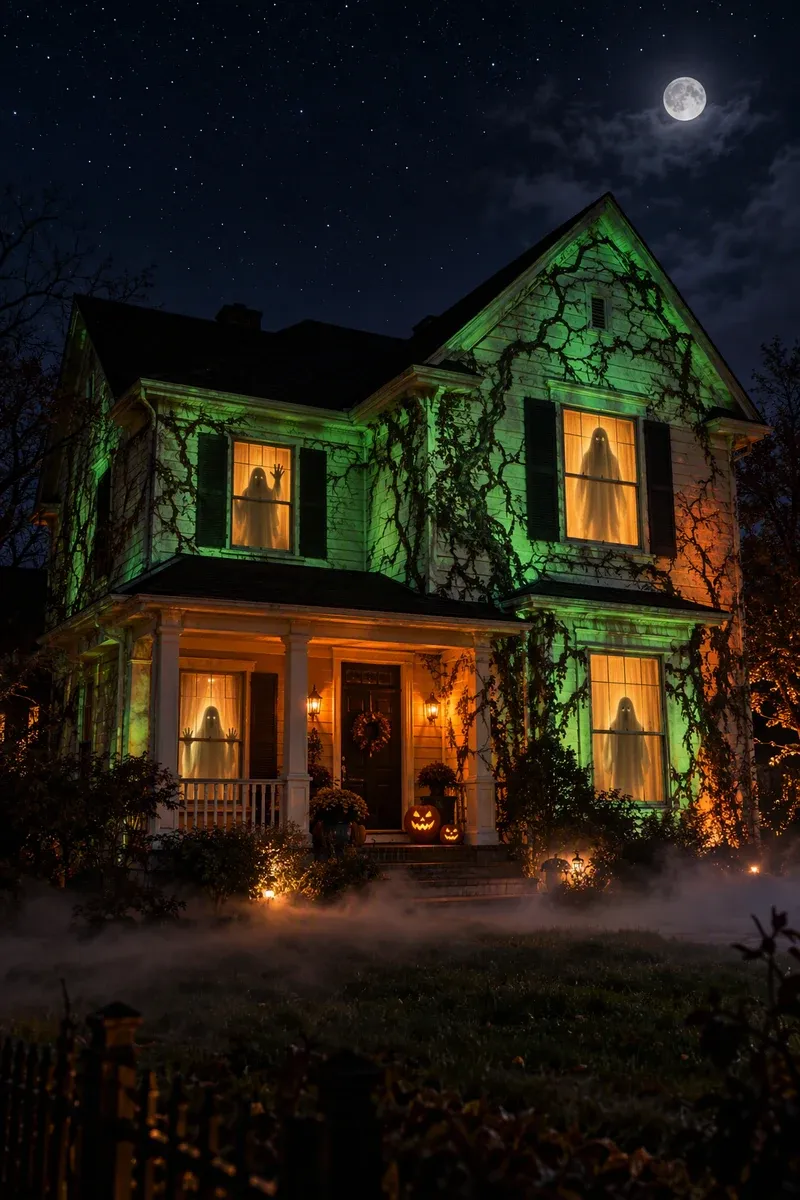
Haunted Facade
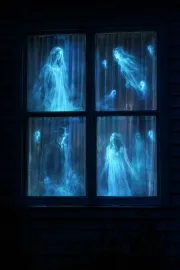
Ghosts in every window, vines on the siding and a jack-o’-lantern the size of your garage door.
What is Glowcast?
Glowcast fits ready-made shows to your real doors, windows and garage. Drag the corners, press play, and the whole street stops to look.
- Bright enough?
- A window at night works with any projector. A whole house front needs about 3,000 lumens or more.
- All night, phone-free
- Schedule it from dusk to bedtime, or export a loop that plays from a USB stick.
- See it first
- Preview any show on a photo of your own house before you buy a projector.
What is projection mapping?
Outdoors, projection mapping means every window, door, column and roofline gets its own piece of the show, instead of one flat picture washed across the house. Glowcast's guided fit lines each surface up in minutes, and the show stays put all season.
How it works
From box to wow in three minutes.
No timelines, no video software. Glowcast walks you through it one surface at a time.
- 01
Pick a show
Browse ready-made shows by occasion and by surface: front door, 2×2 window, garage, whole house front or storefront.
- 02
Fit it to your house
Glowcast walks you through it surface by surface. Drag each corner onto the real window or door, with a magnifier and pixel nudges for precision.
- 03
Press play
Add names, photos or your logo, schedule it from dusk to bedtime, or export a loop that plays from a USB stick all season.

Templates
Ready-made shows that fit your house.
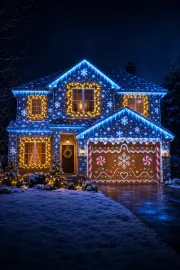
Every show is built from slots like Door, Window 1 and Garage, so the light lands on your real architecture. Pick the layout that matches your home or shop, then swap the theme any night.
 Pro
Pro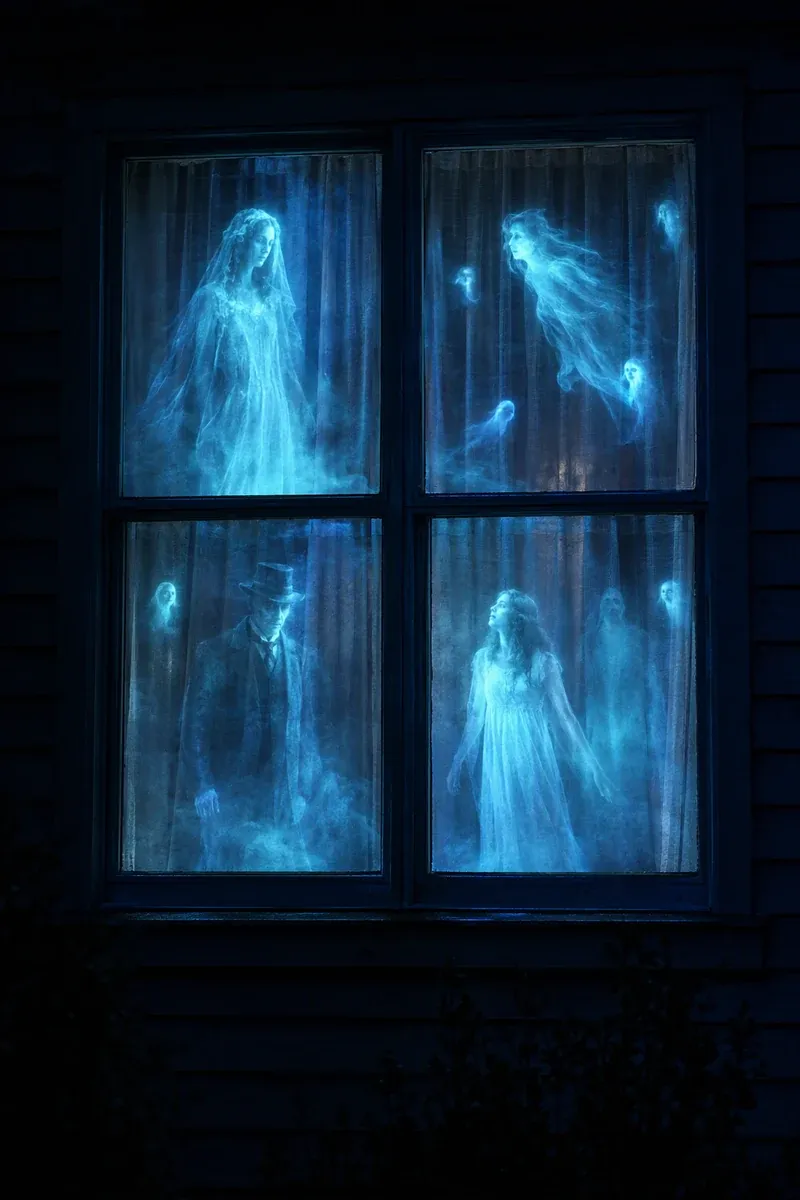 Free
Free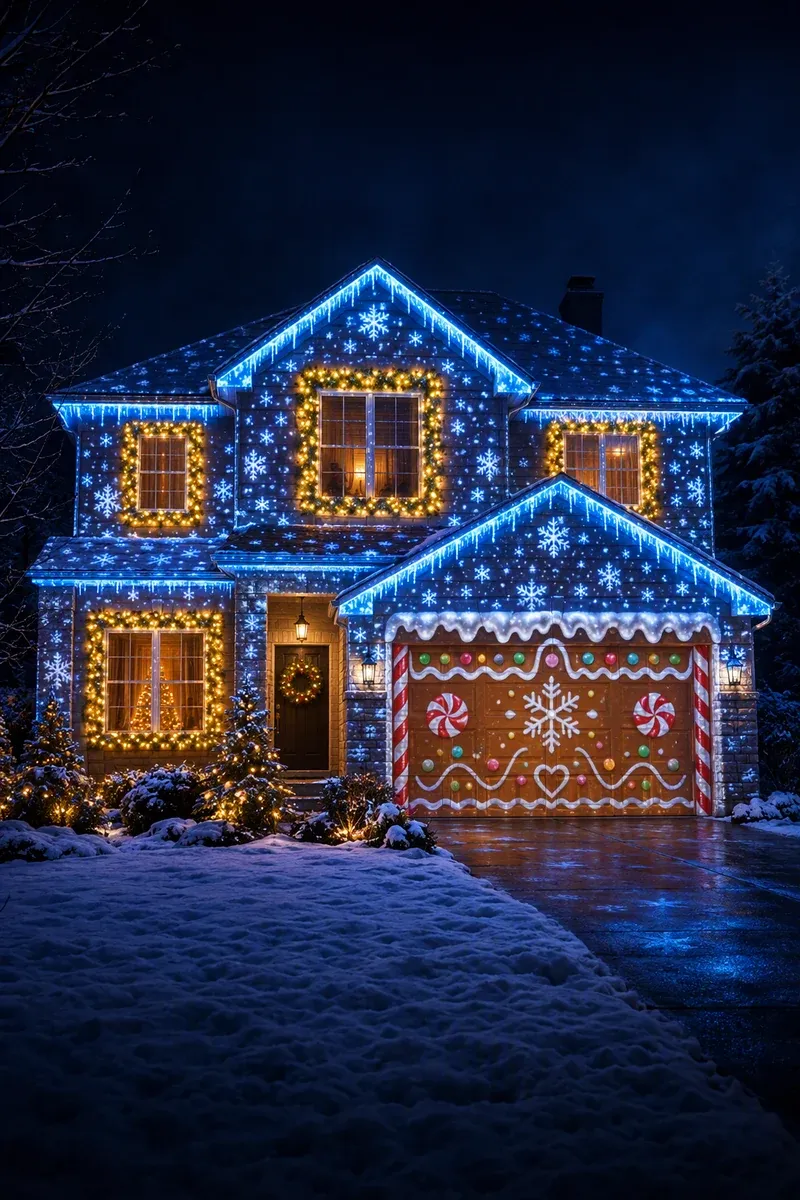 Pro
Pro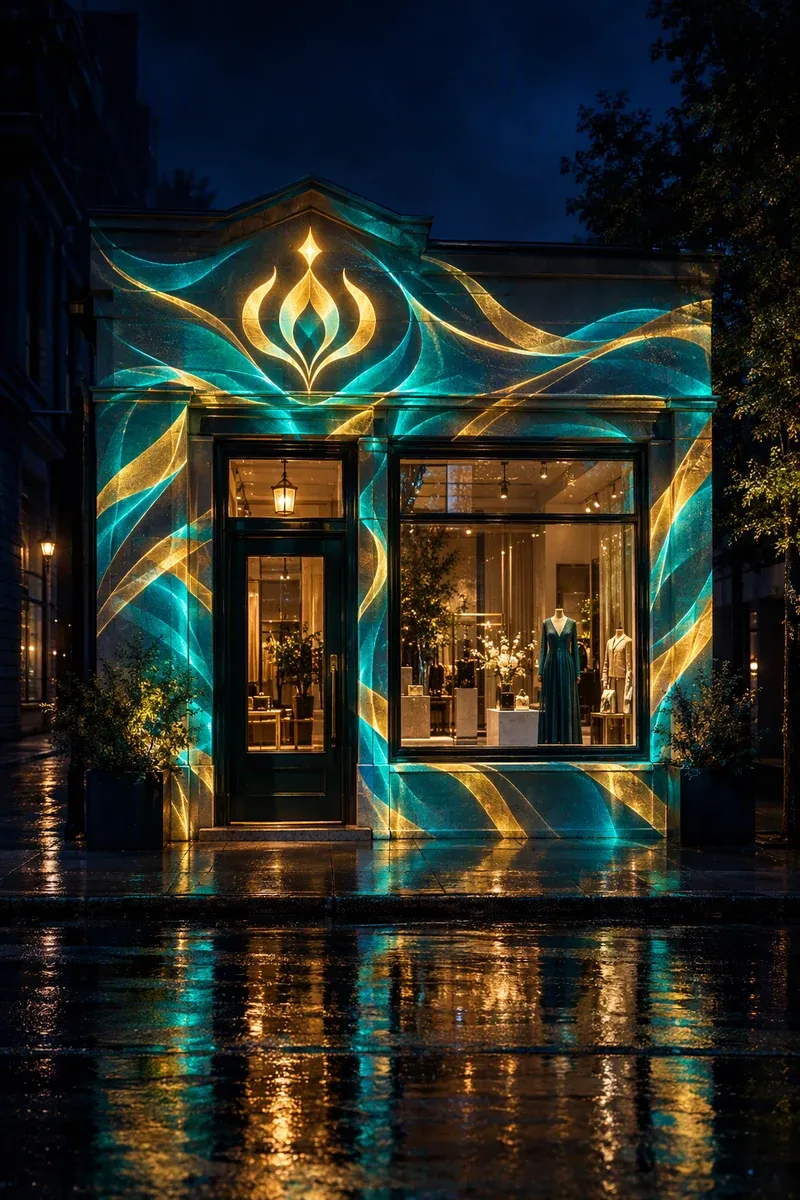 Pro
Pro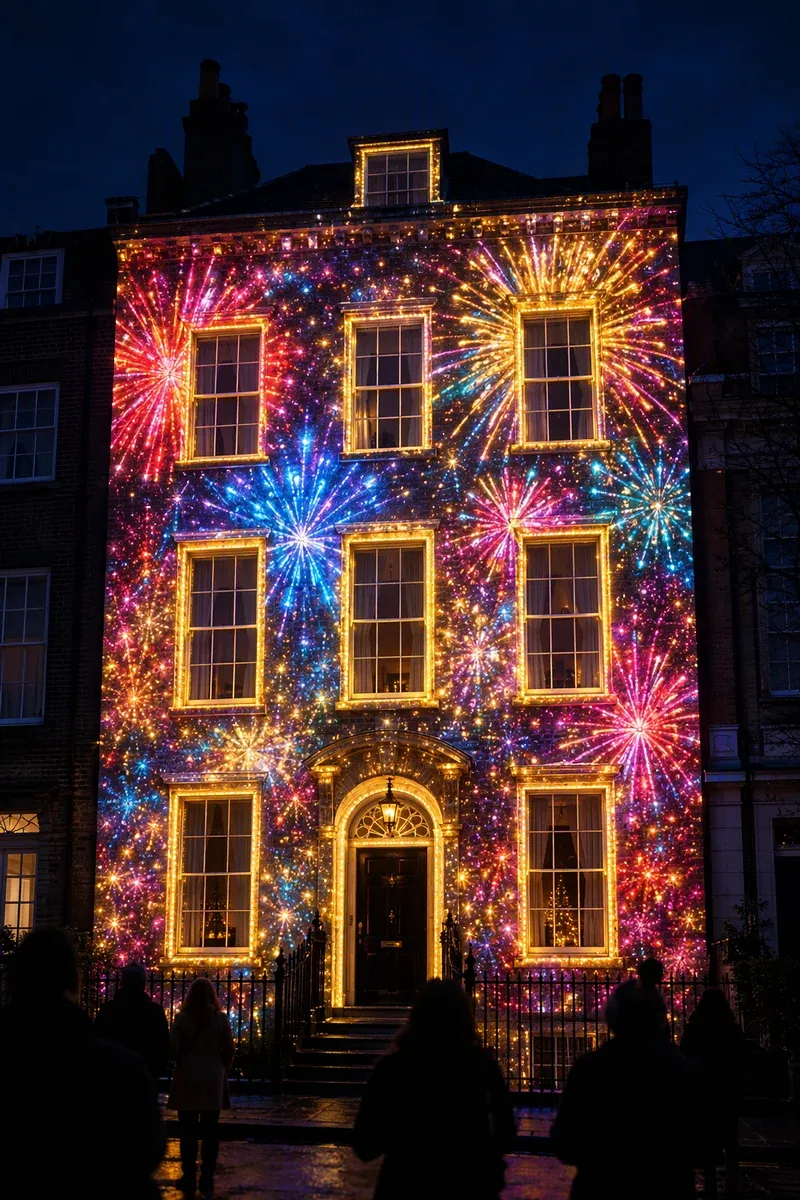 Pro
Pro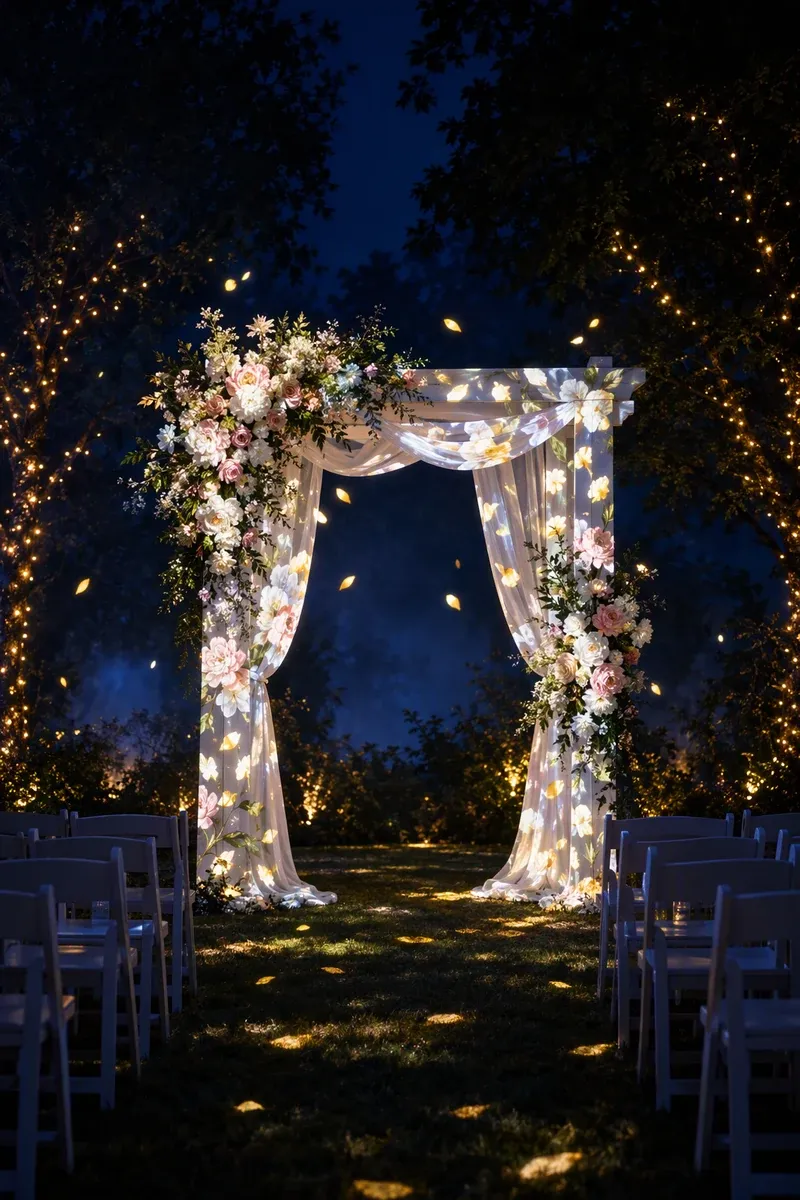 Pro
Pro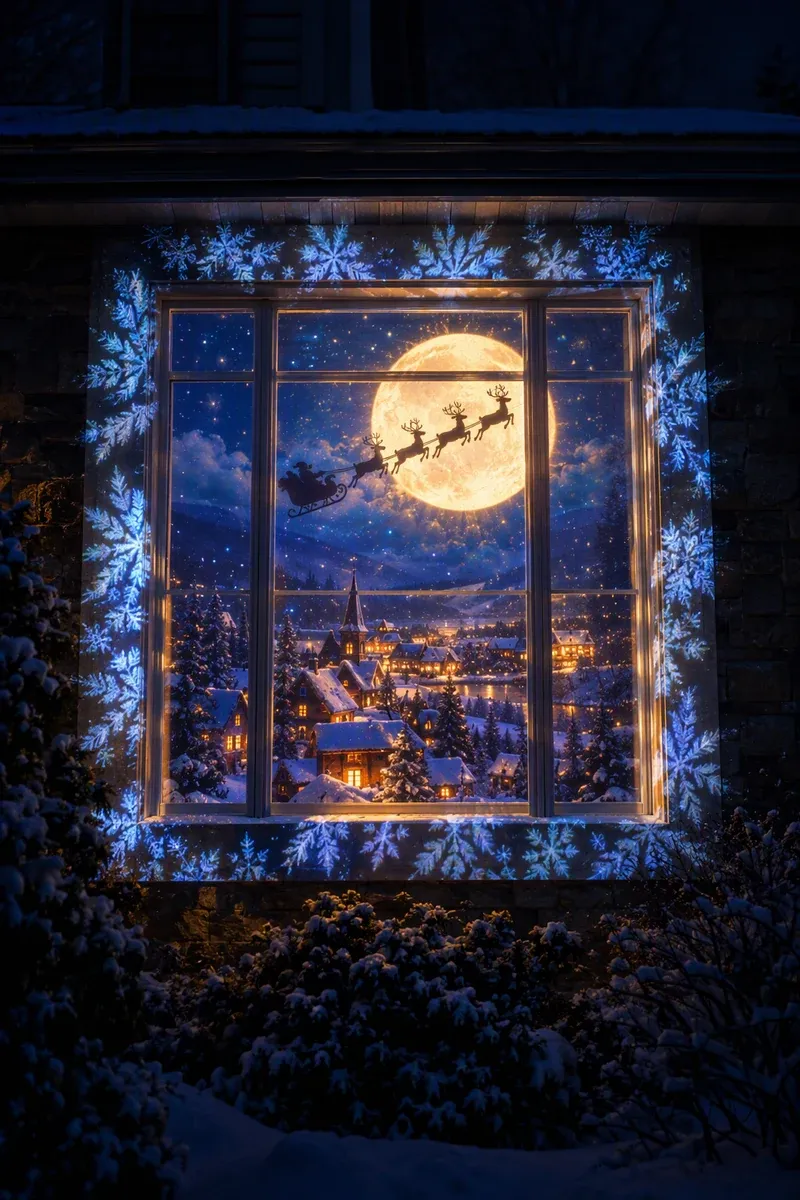 Pro
Pro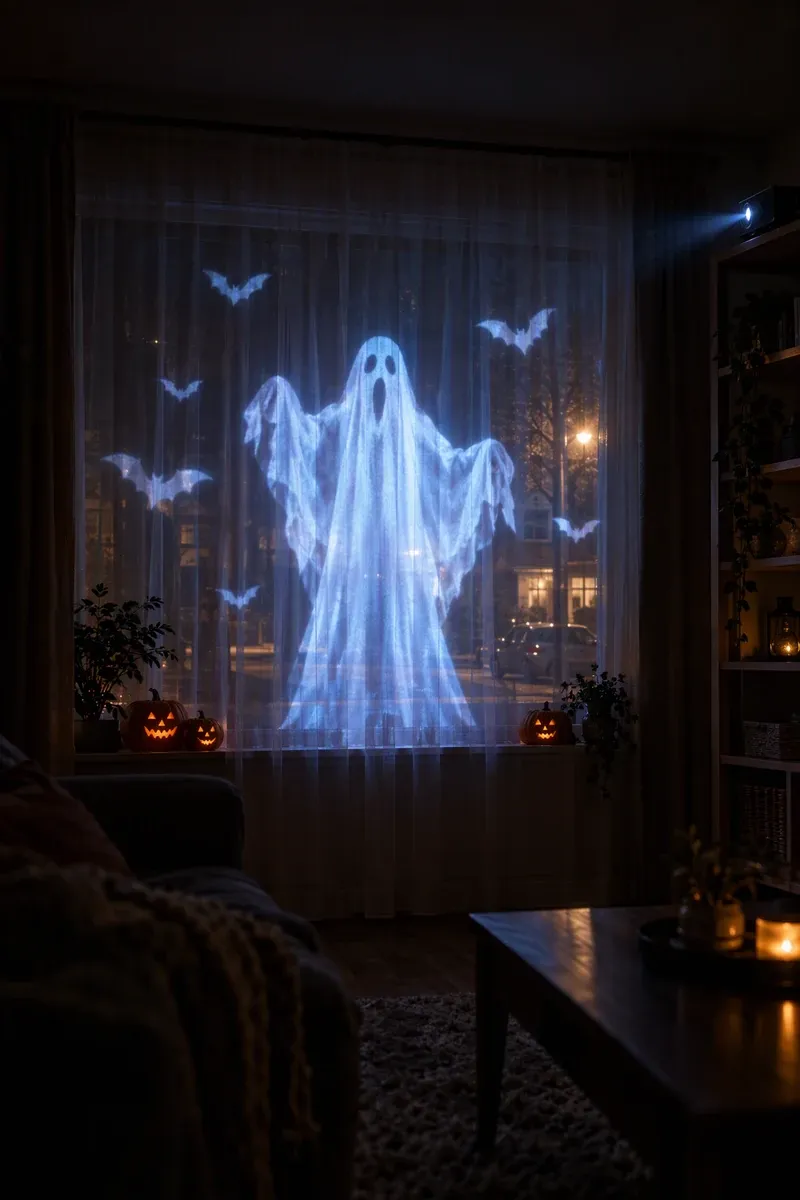 Pro
Pro
 Pro
Pro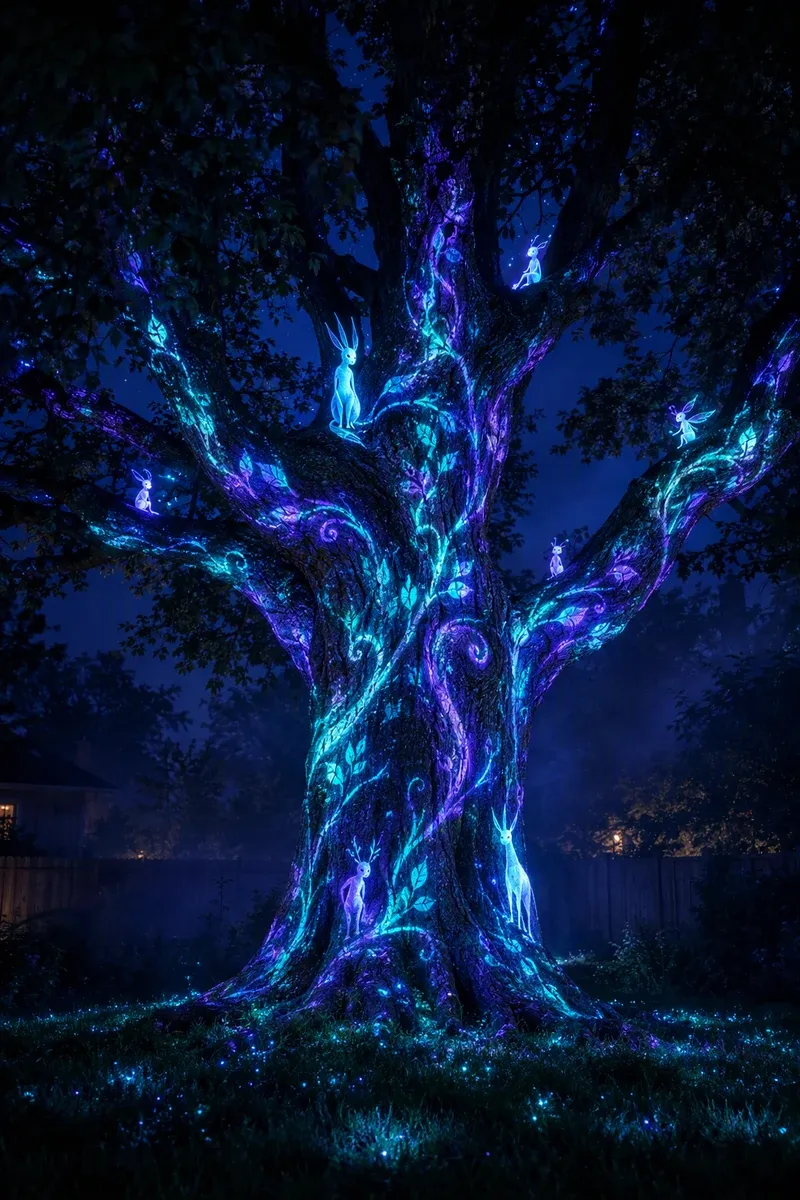 Pro
Pro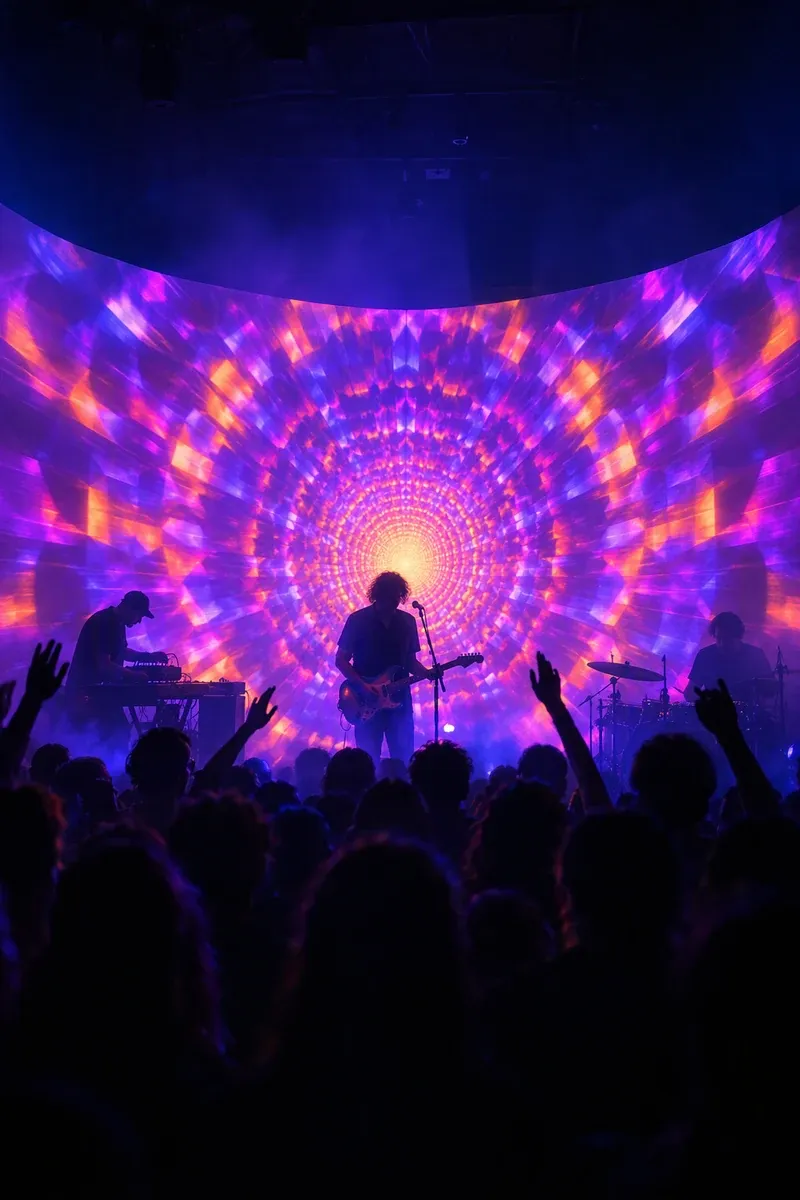 Pro
Pro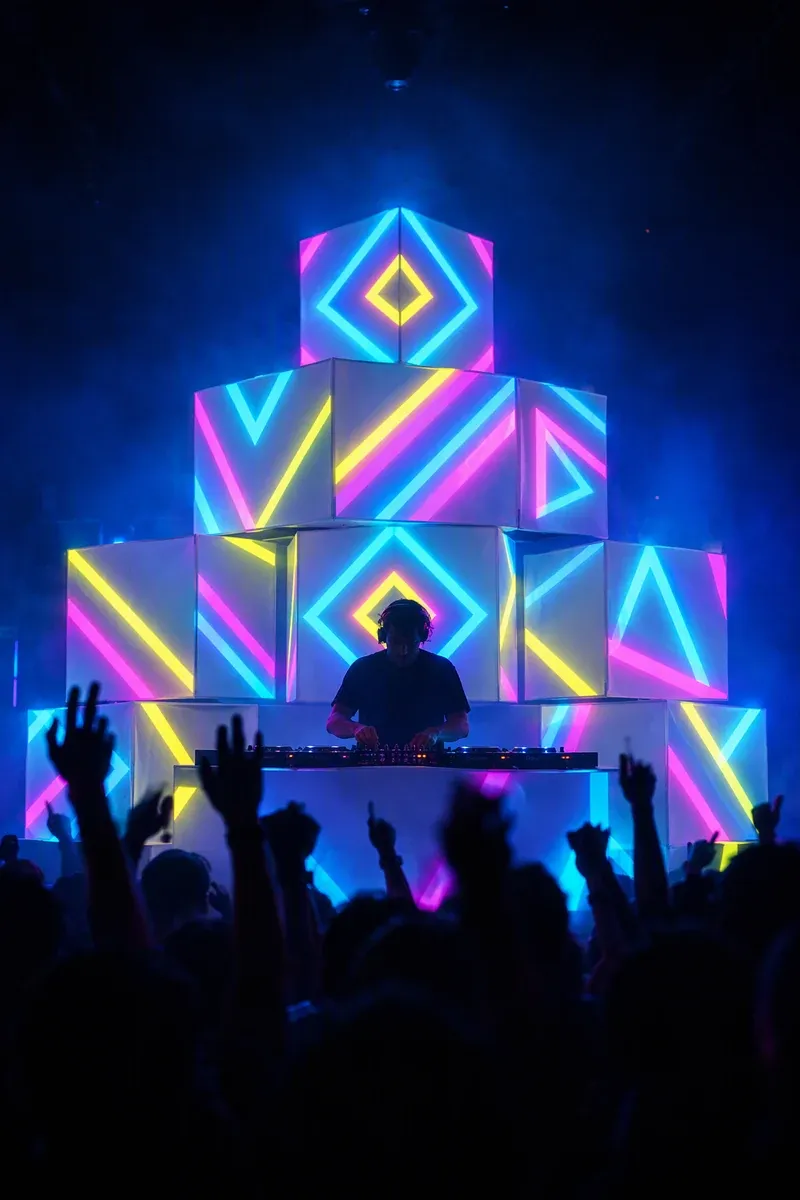 Pro
Pro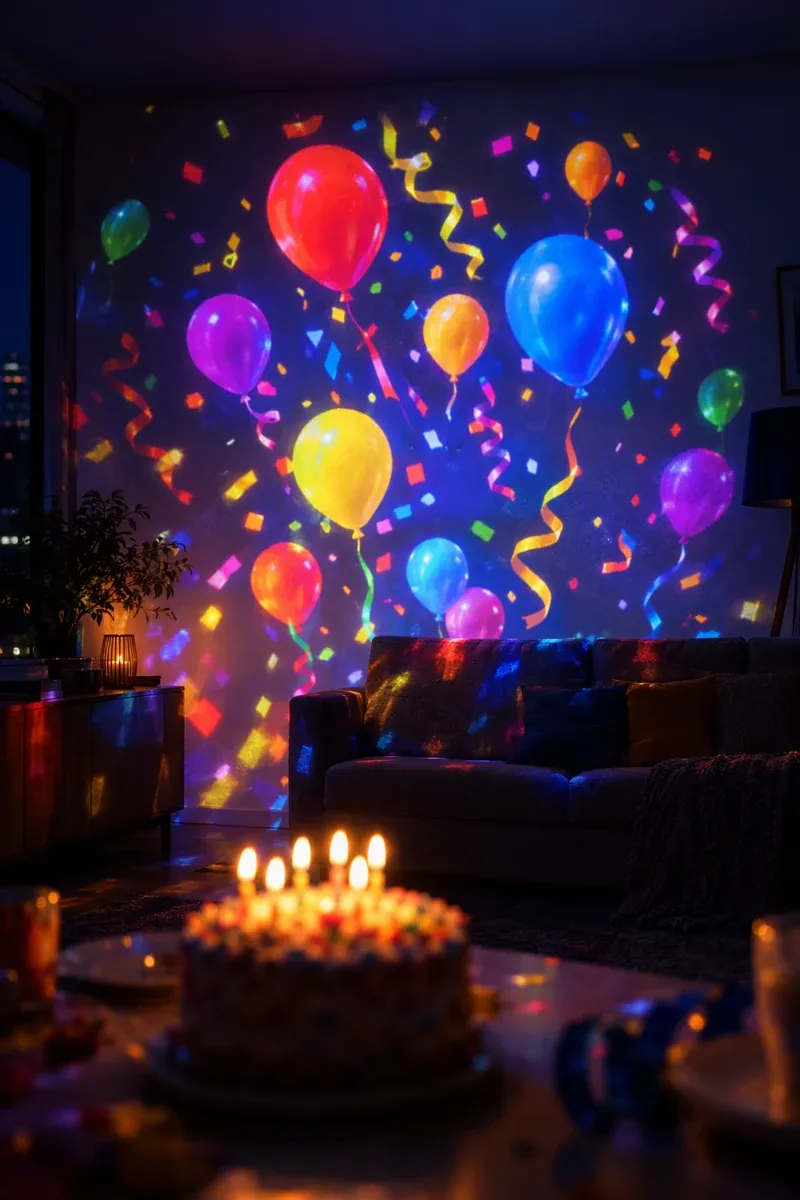 Free
Free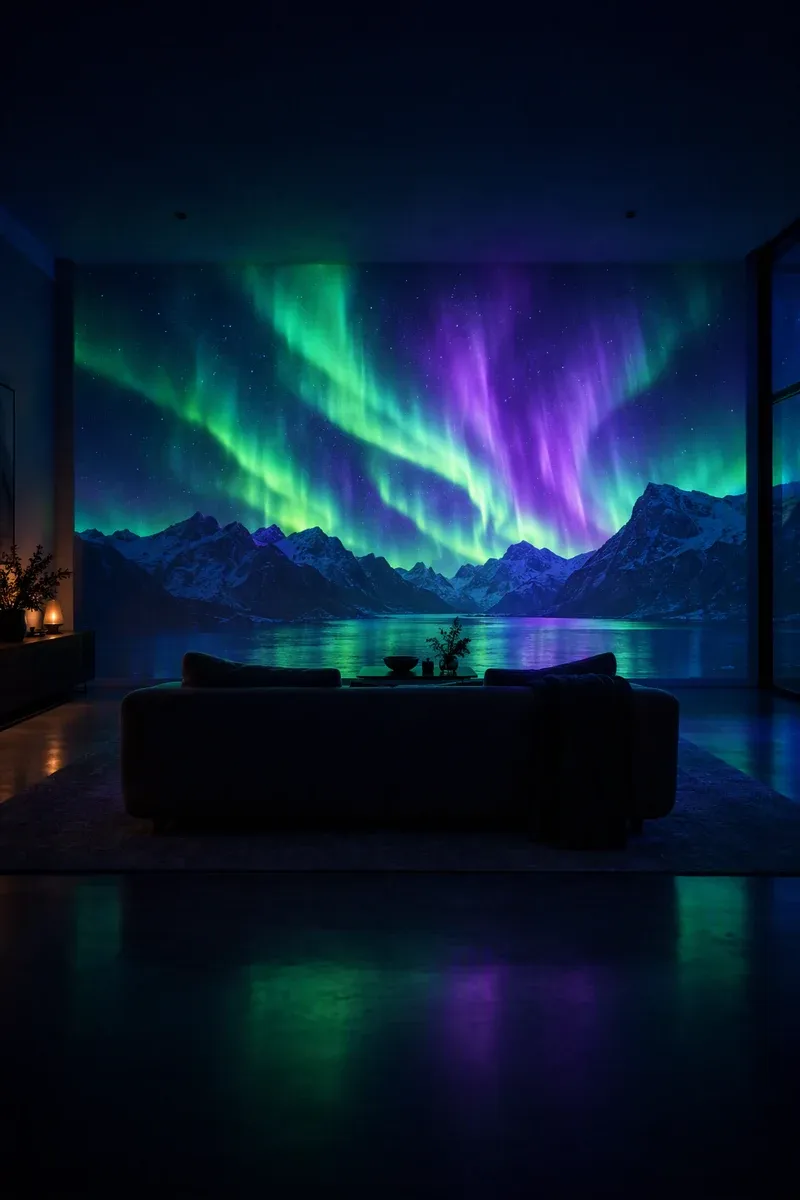 Free
Free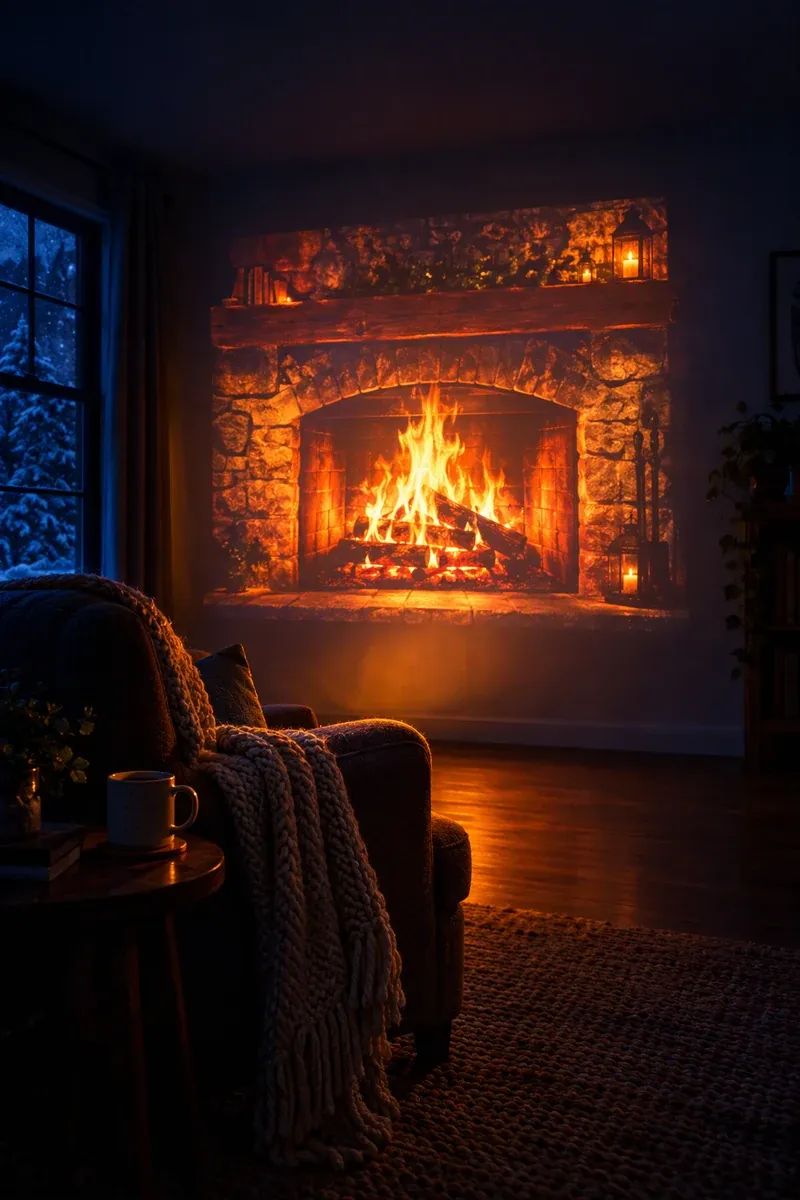 Free
Free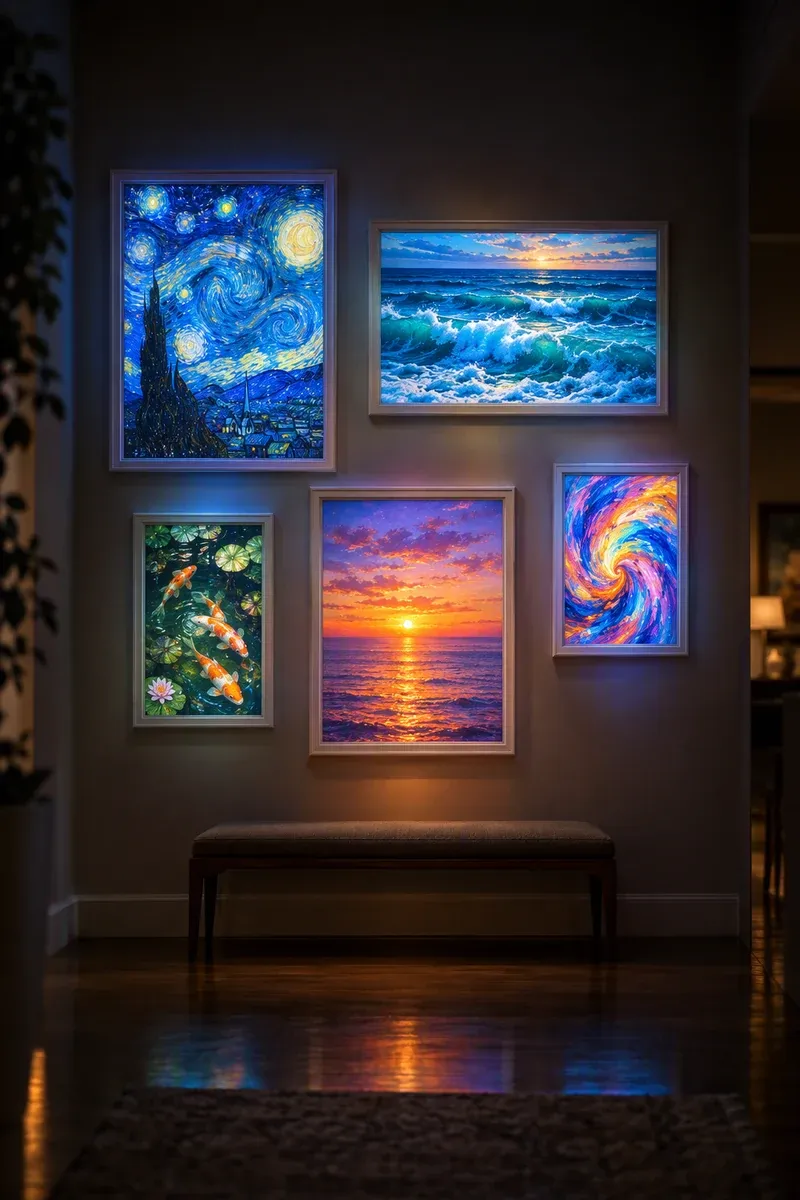 Pro
Pro
Template art shown is illustrative. The launch catalog is planned to grow with new drops every season.
For business
Storefronts, events and venues, without a production crew.
The same guided fit that lights up a house works on a shop window, a wedding arch or a stage wall.
Shop windows
Turn your window into a moving display after hours, with your logo and seasonal campaigns.
Weddings & events
Blooming arches, names on the wall and first-dance moments, set up by one person in minutes.
Venues & DJs
Beat-synced walls and box stacks with cue lists, blackout and MIDI control.
- Logo and text slots in every show
- Schedules from dusk until closing
- Loops that play from a USB stick, no phone needed
- Commercial display included; Lifetime pays once
Pricing
Free to start. Fair when you want more.
Your first show is on us, without a watermark. Subscribe, buy once, or grab a pass just for the season.
Free
$0forever
8 starter scenes
- Guided fit for walls, ceilings and windows
- Preview on a photo of your room
- Projector output (small badge after your first show)
- Text and colour customisation
- Best value
Pro Yearly
$39.99per year
7-day free trial · just $3.33/mo
- Every scene and new seasonal drops
- No watermark
- Your photos, names and video
- Music-reactive scenes and sleep timers
- Phone-free loop export
- Seasonal
Season Pass
$14.9960 days
One payment · never auto-renews
- Everything in Pro for 60 days
- Perfect for a party season or the holidays
- No subscription to cancel
Lifetime
$79.99once
Pay once, keep Pro forever
- Everything in Pro, for good
- All future scenes
- Great for families, shops and performers
Planned launch pricing in US dollars; local prices are set by the App Store and Google Play. Pro Monthly will be $6.99/month. Subscriptions renew automatically until cancelled in your store account settings.
How bright does a projector need to be for a house front?
A window at night works with an inexpensive projector. To cover a whole house front, aim for about 3,000 lumens or more, and 5,000 or more for large facades or streets with lights. Brightness matters more than resolution outdoors.
Where should I put the projector?
Straight across from the house, as centred as possible, at the distance its throw ratio needs to cover the facade. Fix it in place, turn off the projector’s auto-keystone, and use Glowcast’s guided fit to line each window and door up.
Can I leave the show running all night?
Yes. Schedule it from dusk to bedtime in the app, use a USB-C adapter with charging, or export a 5–10 minute loop and play it from a USB stick so your phone stays free.
What about weather and neighbours?
Use a weatherproof projector enclosure and outdoor-rated power, keep light off roads and away from drivers, and check local ordinances or HOA rules. The Terms of Use cover projecting responsibly.
Can I use Glowcast for my shop or event?
Yes. You can display shows you create at your business or at events, add your logo and schedule them. You may not resell or redistribute the templates themselves.
Which shows are available for the outside?
House fronts for Halloween, Christmas and New Year, 2×2 windows, garage doors, pumpkins, trees, wedding arches and storefront windows, with new drops ahead of every season.
Early access
Be first in line when the lights go up.
Glowcast lands on iPhone and iPad in 2027. Join the list for launch day, early Season Pass pricing and the first Halloween and Christmas drops.